Keep the useful details
Save receipts, retailer, price, model, serial number and notes alongside the things you own.
 Purchase Memory
Keep your proof of purchase, useful details and recorded return and warranty dates together — ready when something needs attention.
Get Purchase Memory on the App StoreTry the receipt-retrieval guideGet supportA$4.99 one-off on the Australian App Store. No subscription.
Available now for iPhone · iOS 17 or later. Prices and availability may differ by storefront; check your local App Store.
App previews from version 1.3 (6), shown with illustrative artwork and fictional sample details. Receipt suggestions need your review; recorded dates do not establish warranty coverage.
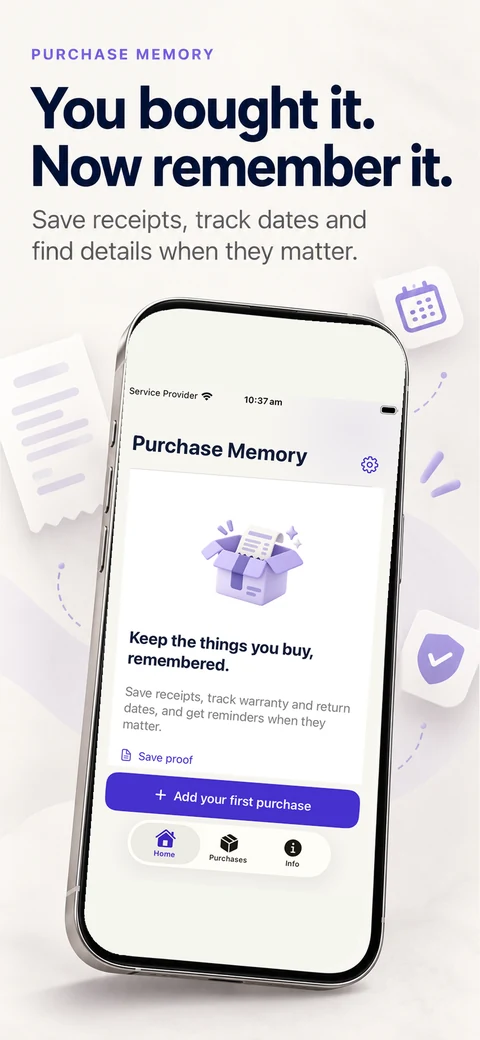
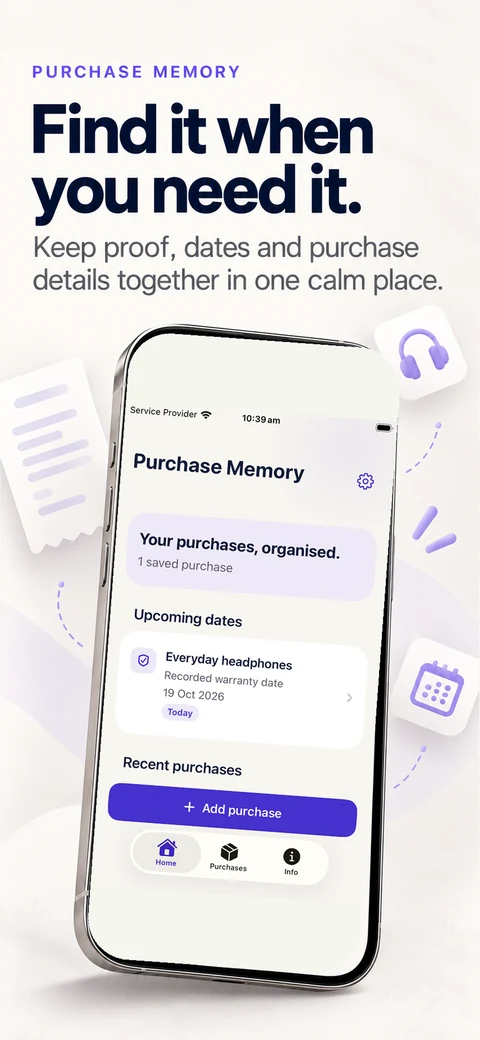
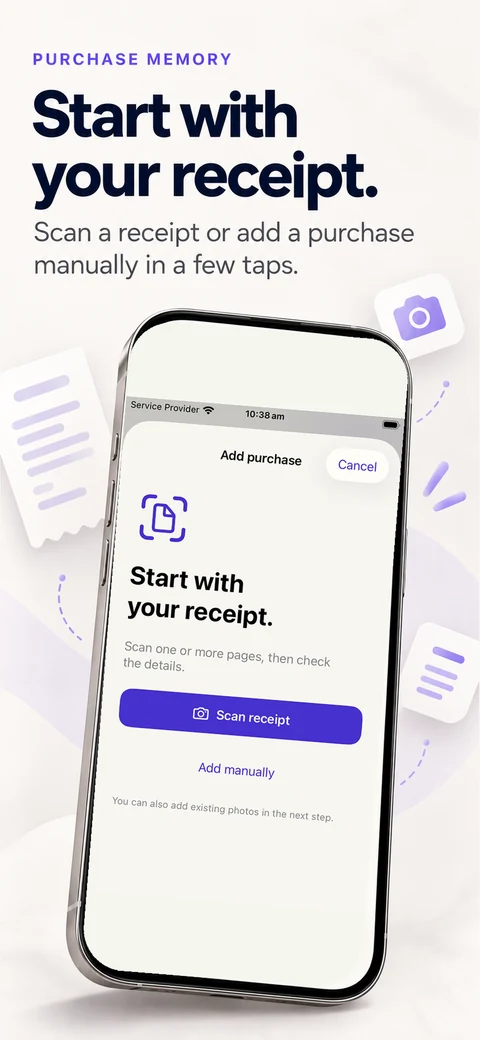
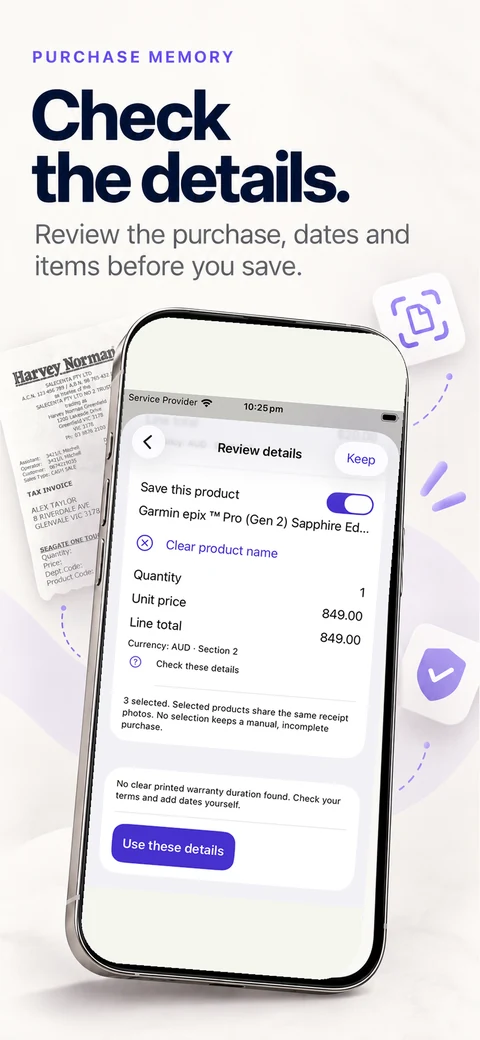
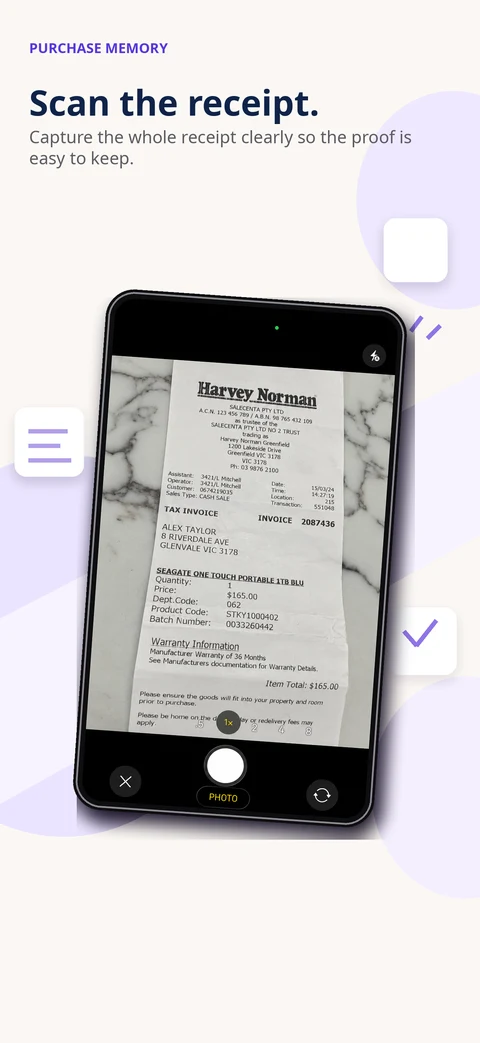
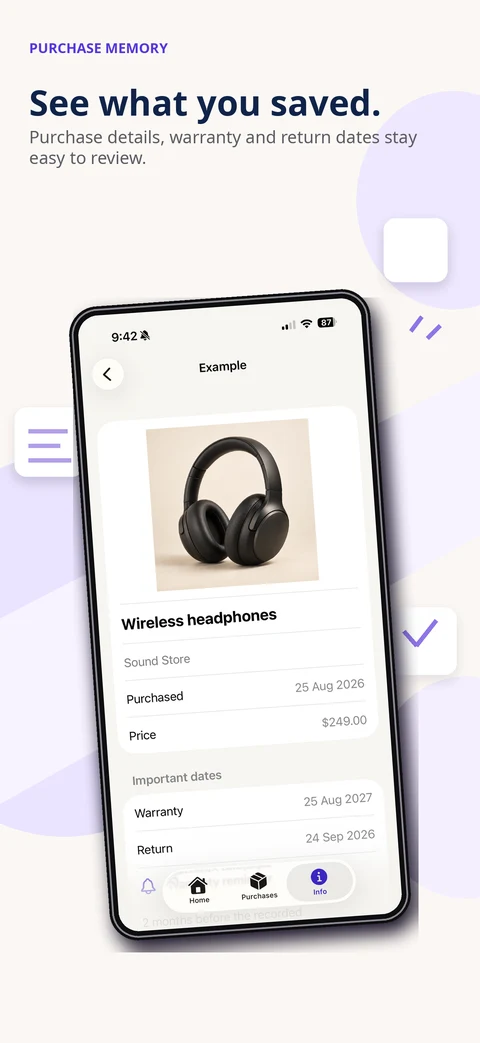
Scan the receipt. See what you saved. Choose only what you need.
Additional supplied previews with illustrative presentation and fictional sample details. These previews show receipt capture, example purchase details and selected photo access; always review extracted details before saving.
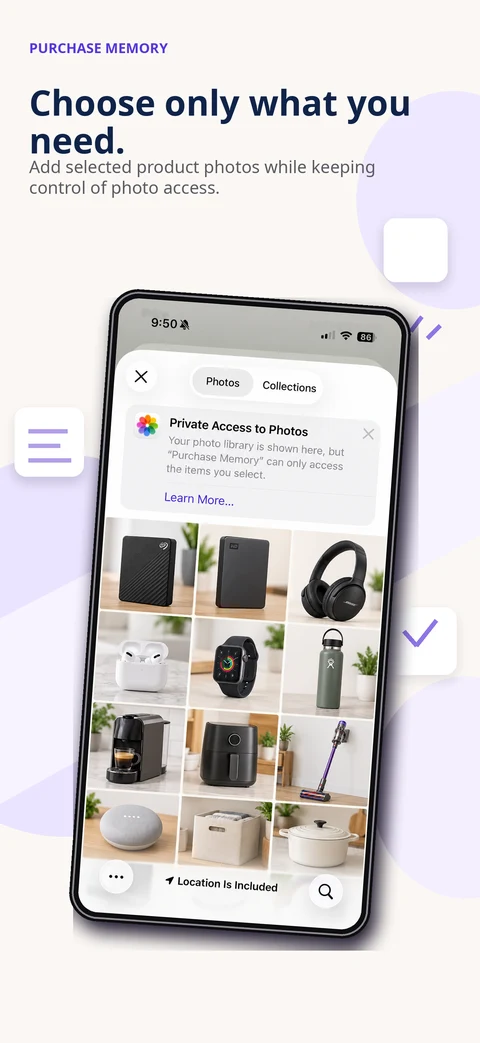
Save receipts, retailer, price, model, serial number and notes alongside the things you own.
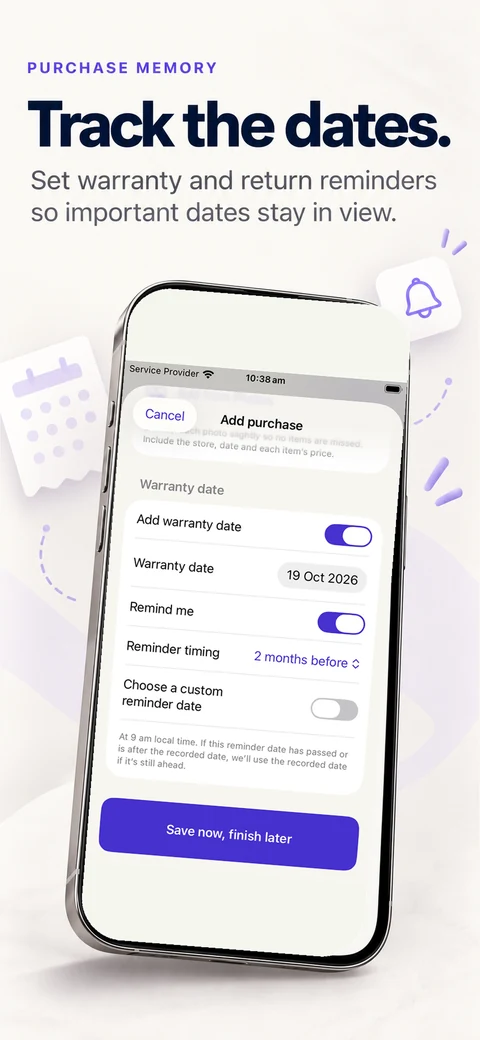
Home highlights recorded return and warranty dates coming up in the next 30 days. Optional local reminders can be configured; delivery depends on notification permission and device settings.
One successful warranty claim could more than cover the cost of the app. Keep your receipts and warranty details together, ready when you need them.
Find your receipt and share selected saved information for a conversation with the retailer. It does not submit a claim or confirm coverage.
Try this with one purchase before adding a drawer full of receipts. The written example below uses a fictional desk lamp from “Example Home Store”, bought for A$49 on 1 October 2026. The genuine app captures show separate sample records, not a recording of that lamp purchase.
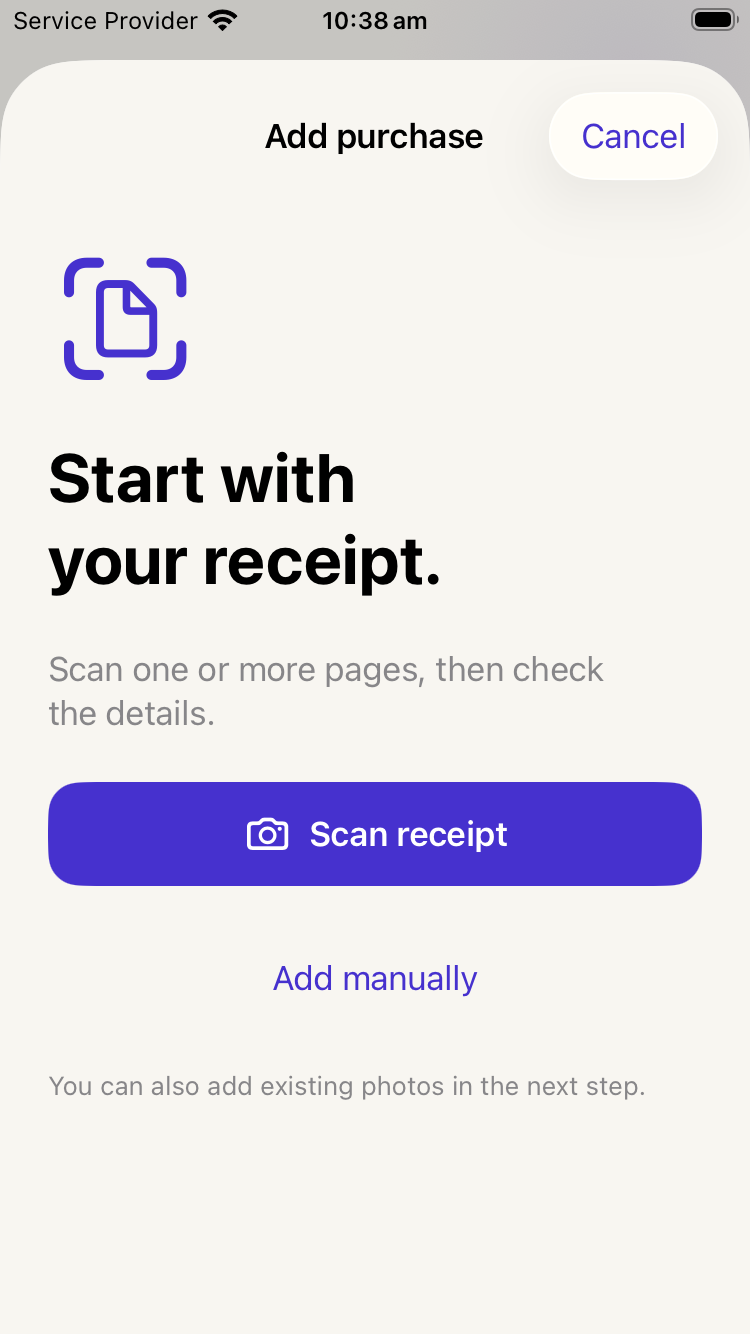
Tap Add purchase, then Scan receipt. Lay the receipt flat, use even light and include the retailer, date, item lines and total. Capture all relevant pages. You can instead add manually and choose an existing receipt photo in the next step.
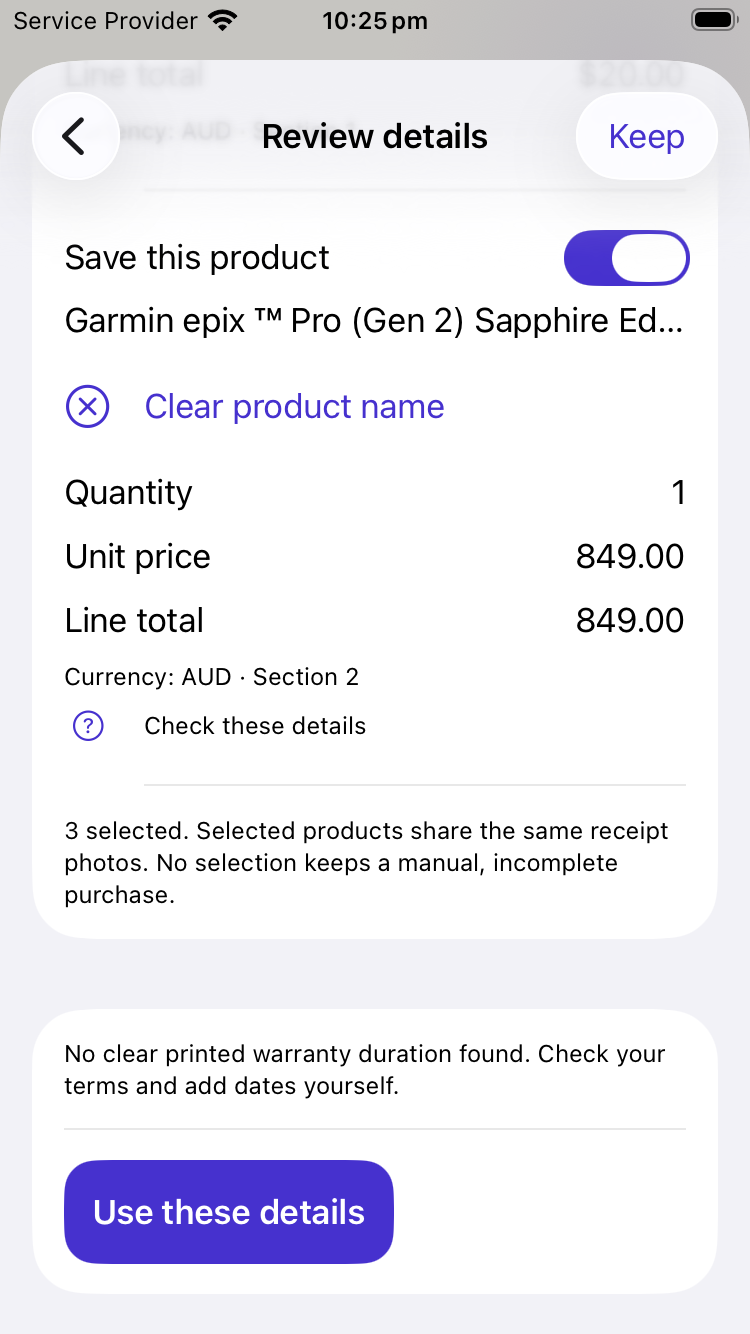
Compare the suggestions with the receipt. Check the product name, retailer, date, quantity, amount and currency. For a multi-item receipt, check which products are selected. Correct uncertain text rather than assuming the scan is right, then use the reviewed details and save the purchase.
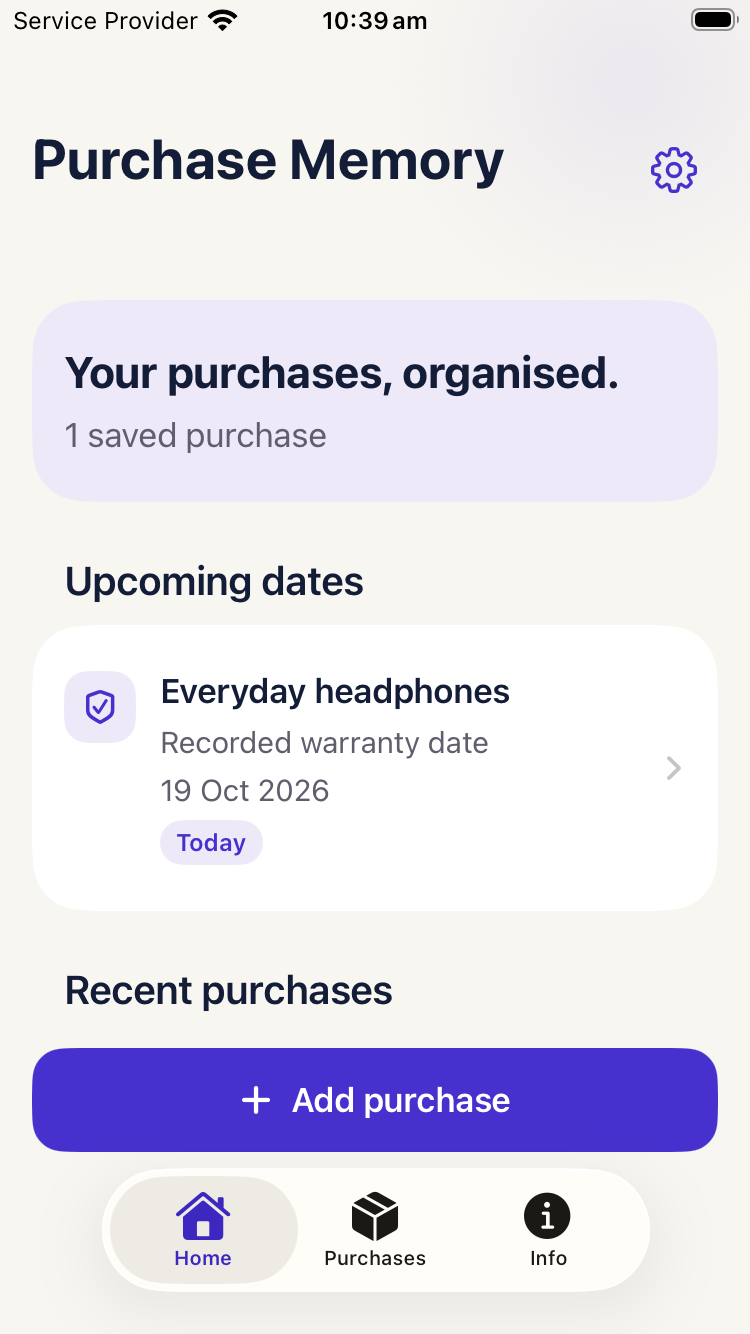
Open Purchases and search for the name you saved—for this example, “desk lamp”. Open the matching purchase, check the retailer and date, then open its saved receipt photo. Make sure the image is legible before you rely on it later.
Unedited native app screen captures from the verified version 1.3(6) release asset set. Sample details are illustrative; this is a written walkthrough, not live footage.
Use a name you will remember. Record return or warranty dates only from information you have checked; do not infer them from the purchase date.
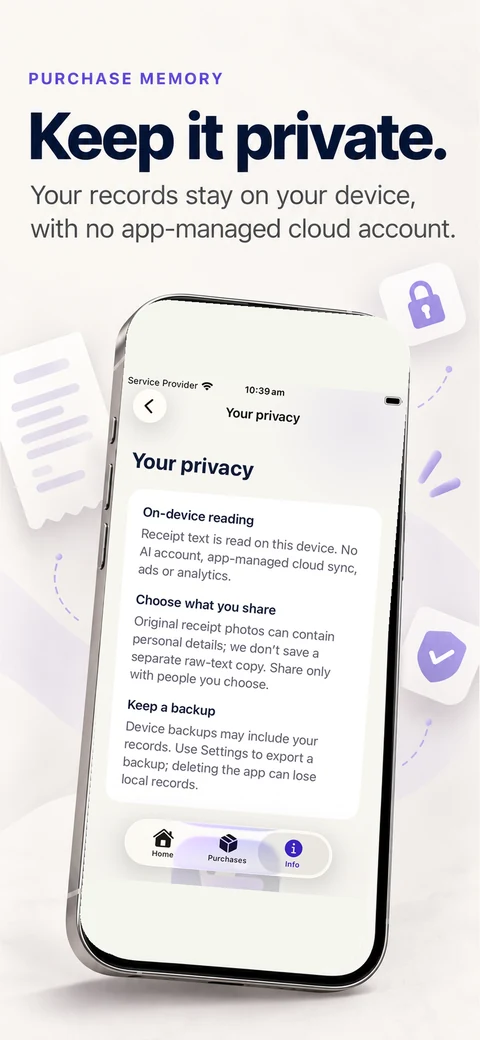
Before sharing, inspect the selected saved information and recipient. Keep the original receipt or an independent copy where needed; local records are not an app-managed cloud backup.
Purchase Memory helps retrieve information. It does not establish warranty coverage, decide legal rights, contact the retailer or submit claims automatically.
Get Purchase Memory on the App StoreNo account to create. No advertising or analytics in the app. Core record-keeping works offline, with no app-managed cloud sync.
Read the privacy policy →Yes. Purchase Memory is available on the Australian App Store for A$4.99, paid once. Get Purchase Memory. Check your local App Store for pricing and availability.
Yes. Scan or choose a receipt image to suggest purchase details on your device. Always review and correct the results before saving; you can also enter details manually.
No. Dates are organisational notes, not a determination of legal rights or retailer obligations.
No. Reminders need notification permission and depend on your device settings. Keep important deadlines somewhere else too.